
KNOW YOUR PORTAL | 12-WEEK WEBINAR SERIES
Upgrade Smarter. Deliver Better Student Experiences.
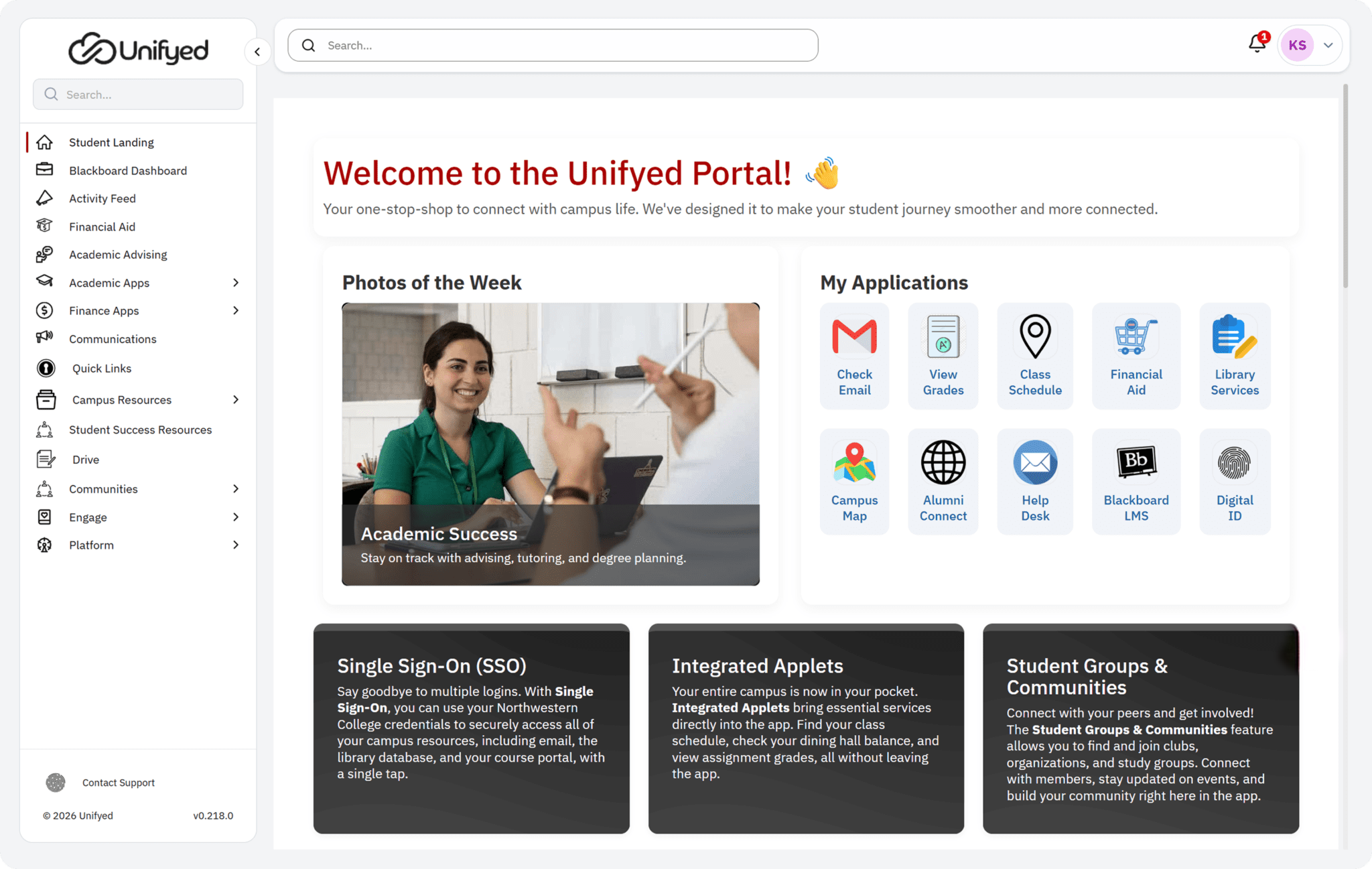
A weekly 30-minute series for higher education leaders getting to know StudentX. One portal, one upgrade, 12 focused conversations.
Every Thursday | 30 minutes | Starting May 7, 2:00 PM ET | Free
150+
institutions already on Unifyed
2M+
daily users across our portals
12
sessions, one upgrade, one registration
Your portal should evolve with your students
Student expectations moved. Admin workflows piled up. Reporting stayed slow. The StudentX upgrade is the answer, and this series is how you get to know it, one focused session at a time.
The 12-week schedule
One registration covers all 12. Attend live, watch the recording, or send a colleague. Each session is 30 minutes, every Thursday.
| Week: | Date | Session title and description |
|---|---|---|
| Week 1 | Thu, May 7 |
What’s New in StudentX Engage: A 25-Minute First Look
A guided tour of the upgraded portal. What your students and staff will see on day one, what stays the same, and how to frame the change for your campus.
|
| Week 2 | Thu, May 14 |
Unified Communications: Inbox, Messaging and Notifications Reimagined
The combined inbox, per-channel drafting, in-app messages, announcements, alerts, and push notifications. Draft once, target precisely, and measure what gets opened.
|
| Week 3 | Thu, May 21 |
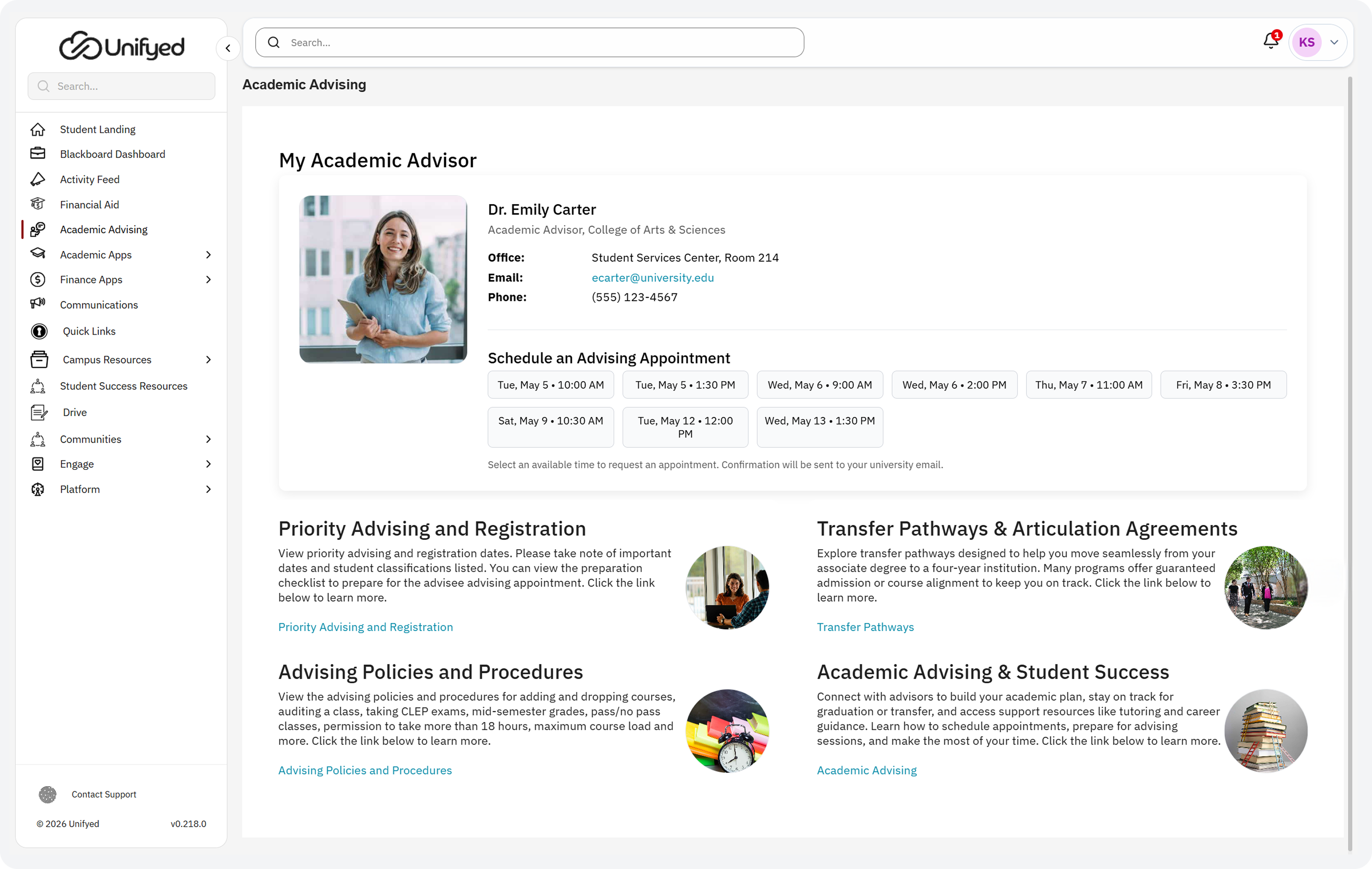
Academic Features: LMS Integrations, Grades, Financial Aid and Holds, All in One View
Canvas and Blackboard integration, combined mid-term and final grades, the simplified financial aid view, and categorized holds with resolution guidance.
|
| Week 4 | Thu, May 28 |
Admin Control: Permissions, Branding and Platform Management, Plus Quick Links, SSO and the Admin Experience for Non-Technical Staff
The new permission matrix, custom branding with live web and mobile preview, Quick Links tab collections, and an admin experience designed for staff outside of IT.
|
| Week 5 | Thu, Jun 4 |
QuickLaunch (Tentative)
A session on QuickLaunch identity and access. Single sign-on, MFA, automated provisioning, and the connectors that replace manual account creation and CSV uploads.
|
| Week 6 | Thu, Jun 11 |
AI-Powered Search: How StudentX Understands What Students Are Looking For
Semantic plus keyword search across documents, communities, apps, and people. Multilingual support. Why students stop asking the help desk where to click.
|
| Week 7 | Thu, Jun 18 |
Mobile Experience: Student App, Calendar View
Native iOS and Android with role-based personalization, push alerts, and the new interactive course calendar. How campuses are cutting email noise and getting messages read.
|
| Week 8 | Thu, Jun 25 |
Content Management: Drag-and-Drop Pages, Articles and the Widget Flow
The new page builder, folder-based articles, lightweight widgets, and deep-linking to apps. Less work for your admins and a fresher portal for your students.
|
| Week 9 | Thu, Jul 2 |
Community Features: Templates, Activity Feed, Moderation and Collaboration
Student communities, social feeds, gamification, and the expanded moderation controls that let you manage flagged posts, comments, and replies at the granular level.
|
| Week 10 | Thu, Jul 9 |
The StudentX Roadmap: Agents, Workflow and Advanced Nudging, What’s Coming
A look at what’s next. Workflow builder, agent network, advanced nudging, deeper analytics, and the pre-curated apps and widgets on the StudentX roadmap.
|
| Week 11 | Thu, Jul 16 |
StudentX Engage Analytics: Better Than a Stephen Hawking Lecture
Real-time engagement dashboards, drag-and-drop KPI widgets, and natural-language insights. From clickstream data to decisions about outreach and retention.
|
| Week 12 | Thu, Jul 23 |
StudentX Retention
The retention layer on top of StudentX. AI-powered early alerts, real-time risk tracking, personalized intervention plans, and the analytics that guide student success teams.
|

Meet Your Host
Kyle Stevens
Senior Product Manager, Unifyed
Kyle leads the StudentX product team and has spent 16 years building portal experiences for higher education. He hosts the full 12-week series and brings a guest from the StudentX engineering, design, or customer success team each week.
Who this series is for
- CIOs and IT Leaders
See what changes in administration, access control, and integrations before you plan the rollout. - VPs of Student Success
Connect engagement data to retention outcomes with real-time dashboards and 360° profiles. - Advanced Analytics & Reporting
Real-time dashboards, drag-and-drop KPI widgets, and natural language insights. - Registrars and Academic Leaders
Preview the upgraded transcript, grades, holds, and course tools your students will actually use. - Marketing and Comms Leaders
Explore branding, push notifications, announcements, and the measurement layer behind them. - Student Affairs and Advising
Understand communities, messaging, and the unified profile that supports proactive outreach.
What you will leave with
- A clear picture of the upgraded StudentX experience for students, staff, and administrators.
- Concrete examples of how peer institutions are using each capability.
- A role-by-role view of what changes and what stays the same.
- Answers to the questions your implementation team is already asking.
- A shareable recording, slides, and a one-page summary after every session.
- For current customers, the option to book a free Readiness Review with your Customer Success Manager.
StudentX Upgrade Readiness Review
We will walk through your current setup, flag anything that needs attention before the upgrade, and give you a recommended path forward. No pressure – just a clear plan.
Every Thursday | Starting May 7, 2:00 PM ET | Free
Trusted by 150+ institutions






Your portal is your system of engagement.


